

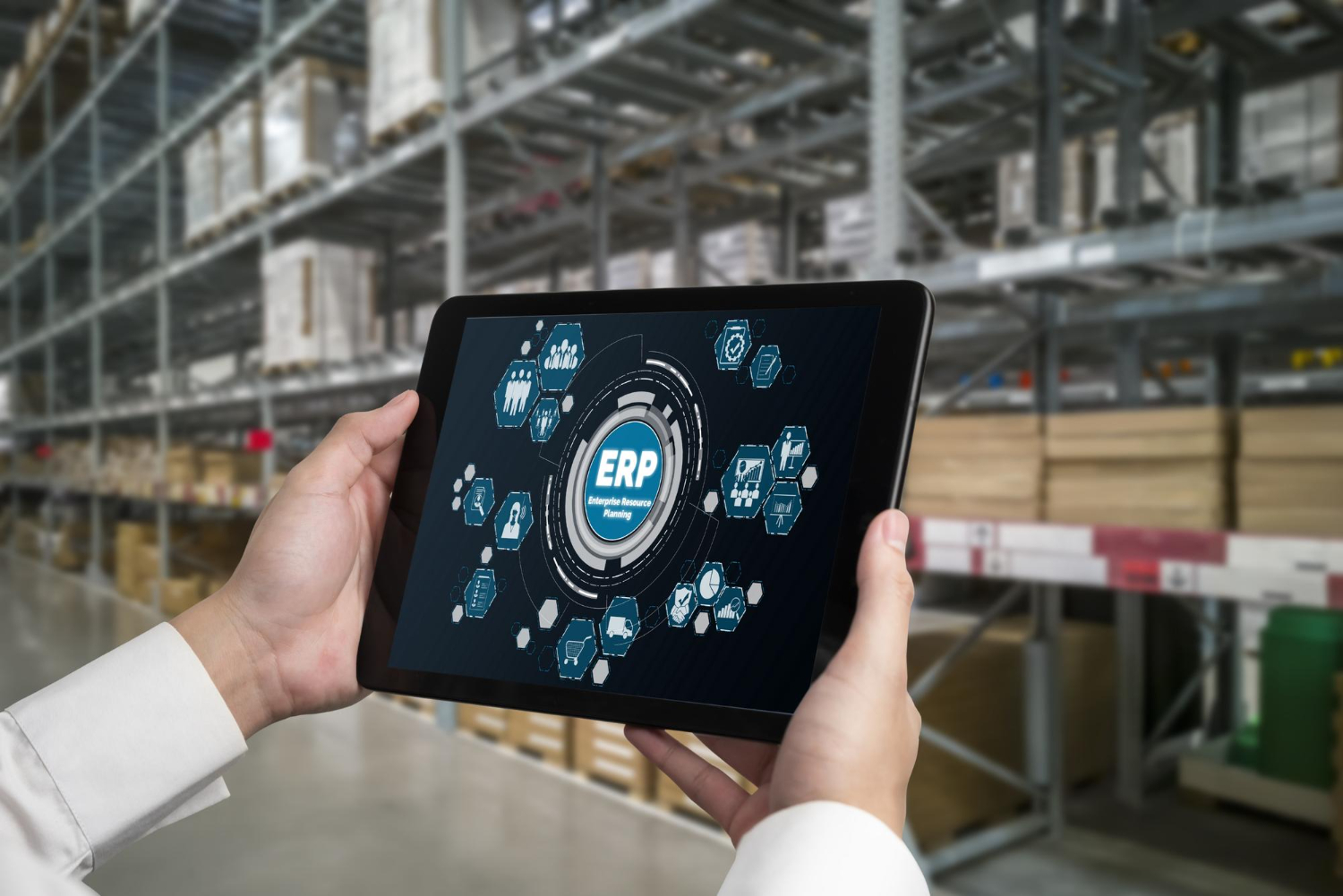
Inventory management plays a critical role in keeping business operations efficient, cost-effective, and customer-focused. From maintaining optimal stock levels to tracking inventory movements and managing purchase orders, businesses handle numerous inventory-related activities every day. When these processes rely heavily on spreadsheets or disconnected systems, errors, delays, and unnecessary costs can quickly add up.
This is where ERP automation can make a significant difference. With modern Inventory ERP Software, businesses can automate inventory processes, centralise data, improve visibility, and make faster, data-driven decisions.
Whether you operate a manufacturing business, wholesale company, distribution network, or retail organisation, an Inventory Management ERP System can help transform the way you manage stock and streamline your overall operations.
What Is ERP Automation for Inventory Management?
ERP automation uses an integrated enterprise resource planning system to automate repetitive inventory and business processes. Instead of managing purchasing, stock tracking, sales, warehouse operations, and reporting through separate tools, businesses can manage these activities through a centralised platform.
An Inventory Management ERP Software solution can automatically update inventory records when products are purchased, received, transferred, sold, or returned. This reduces manual data entry and provides teams with a more accurate view of inventory.
Using ERP with Inventory Management, inventory data can also be connected with other business functions such as finance, sales, purchasing, production, and supply chain management. This creates a more connected and efficient business environment.
How ERP Automation Transforms Inventory Management
1. Automates Routine Inventory Processes
Manual inventory processes can consume significant time and resources. Employees may need to update spreadsheets, reconcile stock records, create purchase orders, and generate reports manually.
ERP automation reduces this workload by handling repetitive tasks automatically. Inventory transactions can be recorded in real time, stock quantities can be updated automatically, and predefined workflows can trigger actions based on business rules.
This allows employees to spend less time on administrative tasks and more time on activities that contribute to business growth.
2. Provides Real-Time Inventory Visibility
Knowing exactly how much inventory is available is essential for making informed business decisions. Outdated inventory information can result in overstocking, stockouts, delayed orders, and dissatisfied customers.
A modern Inventory Management ERP System provides real-time visibility into inventory levels, locations, movements, and transactions. Managers can quickly determine which products are available, which items need replenishment, and where stock is located.
Real-time dashboards and reports also make it easier to identify inventory trends and respond quickly to changing demand.
3. Helps Prevent Overstocking and Stockouts
Maintaining the right inventory level is one of the biggest challenges businesses face. Excess inventory ties up working capital and increases storage costs, while insufficient inventory can result in missed sales and production delays.
An ERP system can use historical data, current inventory levels, sales information, and predefined stock thresholds to support better replenishment decisions.
With Inventory Planning ERP capabilities, businesses can improve demand planning, establish reorder levels, and optimise stock availability. This helps create a balance between customer demand and inventory investment.
4. Improves Inventory Accuracy
Inventory discrepancies can occur when businesses rely on manual data entry or disconnected systems. Even small errors can affect purchasing, sales, accounting, and warehouse operations.
ERP automation creates a single source of inventory information. Every transaction can be recorded within the system, creating a more consistent and reliable inventory record.
Barcode scanning, automated updates, stock transfers, and digital transaction records can further improve accuracy and reduce the risk of human error.
5. Streamlines Purchasing and Replenishment
Inventory management and procurement are closely connected. When stock levels fall below predefined thresholds, businesses need to replenish inventory quickly and efficiently.
ERP automation can connect inventory data with purchasing workflows. Based on configured rules, the system can help identify replenishment requirements and streamline purchase order processes.
This can reduce purchasing delays while helping procurement teams make decisions based on actual inventory requirements rather than assumptions.
6. Enhances Warehouse Management
Efficient warehouse management requires accurate information about stock quantities, locations, movements, and order status.
An ERP solution can centralise warehouse information and provide visibility into inventory across multiple storage locations. Businesses can track stock movements, transfers, receipts, dispatches, and adjustments through a unified system.
For organisations operating multiple warehouses, this centralised approach can make inventory coordination significantly easier.
7. Connects Inventory With Other Business Functions
One of the major advantages of ERP technology is integration. Rather than treating inventory as an isolated function, an ERP platform connects it with other departments.
For example, sales teams can access current stock availability, procurement teams can view replenishment requirements, finance teams can access inventory-related financial information, and management can monitor performance through consolidated reports.
This interconnected approach is one of the key advantages of using ERP with Inventory Management.
8. Improves Reporting and Decision-Making
Inventory data is valuable only when businesses can turn it into actionable insights. Traditional systems may require employees to collect information from multiple spreadsheets and applications before preparing reports.
ERP automation brings data together in a centralised platform. Businesses can use dashboards and reports to monitor inventory turnover, stock levels, purchasing trends, product demand, and other key performance indicators.
With better information available in real time, managers can make faster and more informed decisions.
Key Benefits of Inventory ERP Software
Implementing Inventory ERP Software can provide several advantages, including:
- Reduced manual data entry and administrative work
- Improved inventory accuracy
- Real-time stock visibility
- Better demand and inventory planning
- Faster purchasing and replenishment
- Reduced risk of overstocking and stockouts
- Improved warehouse coordination
- Centralised inventory information
- Better reporting and analytics
- Improved collaboration between departments
- Greater operational efficiency
- Scalability as the business grows
These benefits make ERP automation particularly valuable for businesses looking to modernise their inventory operations.
How to Choose the Best Inventory ERP Software
Choosing the Best Inventory ERP Software depends on your organisation’s operational requirements, industry, inventory complexity, and growth plans.
Before selecting an ERP solution, businesses should consider factors such as:
Inventory Tracking
Look for capabilities that allow you to monitor stock quantities, movements, locations, receipts, transfers, and adjustments accurately.
Automation
The system should automate repetitive processes and reduce unnecessary manual intervention.
Integration
Choose an ERP that can connect inventory with purchasing, sales, finance, production, warehouse management, and other core business processes.
Reporting and Analytics
Dashboards and real-time reports can help managers understand inventory performance and make informed decisions.
Scalability
Your ERP should be able to support increasing transaction volumes, additional users, warehouses, products, and business operations as your organisation grows.
Ease of Use
An intuitive interface can improve user adoption and reduce the time required to train employees.
Demonstration and Evaluation
Before making a final decision, businesses should evaluate the system through an Inventory ERP Demo. A demonstration can help you understand how the platform handles your actual inventory workflows and whether its features align with your business requirements.
Why Businesses Are Moving Toward Automated Inventory Management
As businesses grow, inventory operations become increasingly complex. More products, suppliers, warehouses, orders, and transactions create additional pressure on teams.
Manual systems may work for smaller operations, but they can become difficult to manage as transaction volumes increase. ERP automation provides a structured way to manage this complexity.
By combining automation, centralised data, real-time visibility, and integrated workflows, an ERP system can help businesses create a more reliable inventory management process.
The goal is not simply to automate individual tasks. It is to create a connected system where inventory information flows efficiently throughout the organisation.
Key Benefits of eLABSS ERP
For businesses looking to streamline inventory and broader business operations, eLABSS ERP can be a valuable solution. Its ERP approach is designed to bring important business processes together while reducing manual work.
Centralised Business Management
eLABSS ERP helps bring business information and processes together through a centralised platform, making it easier for teams to access and manage operational data.
Improved Operational Efficiency
Automate routine processes, reduce manual intervention, and streamline workflows across departments.
Real-Time Visibility
Access accurate, up-to-date information through dashboards and reports to support faster and more informed decision-making.
Better Collaboration
Enable seamless coordination between teams through shared data, automated notifications, and centralised workflows.
Reduced Administrative Burden
Minimise repetitive tasks and paperwork through automation, approval workflows, and digital record management.
Scalable for Growth
As your organisation expands, eLABSS ERP can scale with your operational requirements without disrupting existing processes.
Conclusion
Inventory management is no longer simply about counting products and maintaining stock records. Businesses need accurate data, automated workflows, real-time visibility, and better coordination across departments to manage inventory efficiently.
An automated Inventory Management ERP Software solution can help organisations reduce manual processes, improve inventory accuracy, optimise stock levels, streamline purchasing, and make better business decisions.
For organisations looking for a comprehensive ERP platform that supports centralised management, automation, real-time visibility, collaboration, and scalability, eLABSS ERP is worth considering. By bringing business processes together on a unified platform, eLABSS ERP can help organisations build more efficient operations today while preparing for future growth.
Frequently Asked Questions
1. What is Inventory ERP Software?
Inventory ERP Software is an enterprise resource planning solution that helps businesses manage inventory-related processes such as stock tracking, purchasing, warehouse operations, stock movements, replenishment, and reporting from a centralised platform.
2. How does ERP automation improve inventory management?
ERP automation reduces manual data entry, automatically updates inventory records, streamlines purchasing and replenishment workflows, improves stock visibility, and provides real-time information for better decision-making.
3. What is the difference between Inventory ERP Software and traditional inventory management?
Traditional inventory management may rely on spreadsheets or separate applications, which can create data silos and require significant manual work. Inventory ERP Software integrates inventory with other business functions, providing centralised data, automation, and real-time visibility.
4. What should businesses look for in an Inventory Management ERP System?
Businesses should consider inventory tracking, automation, purchasing integration, warehouse management, reporting, scalability, ease of use, integration with other business systems and the ability to support their specific operational requirements.
5. Why should I request an Inventory ERP Demo?
An Inventory ERP Demo allows businesses to see how an ERP solution works in practice. It can help decision-makers evaluate features, workflows, reporting capabilities, usability, and whether the system fits their inventory management requirements.
Comments are closed