

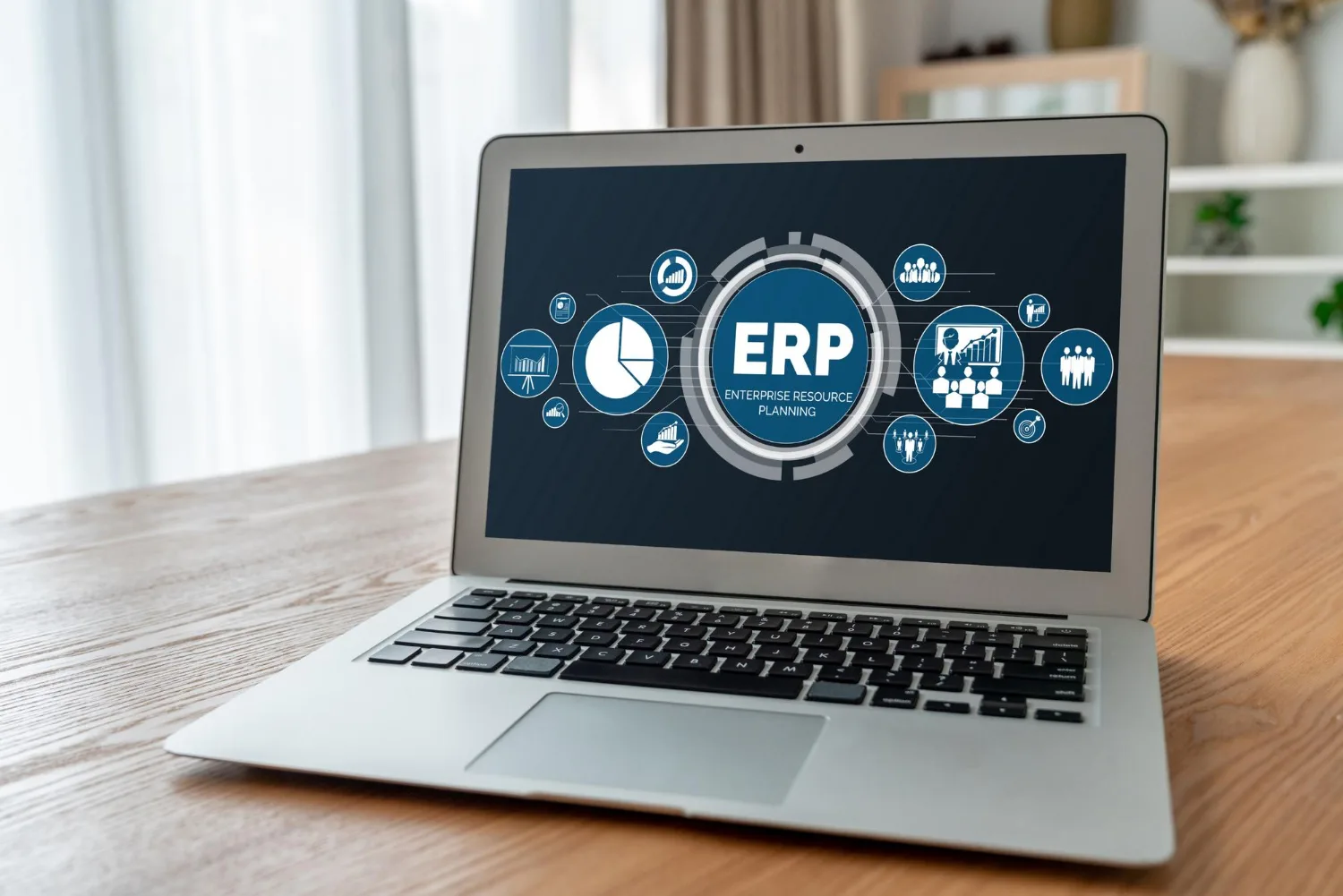
Choosing the right ERP software is one of the most important decisions a business can make. As organizations grow, managing multiple departments through disconnected systems often leads to inefficiencies, data duplication, and communication gaps. Whether it’s finance, inventory, HR, procurement, or operations, businesses need a centralized solution that keeps everything connected.
This is where ERP software makes a difference. It brings all critical business functions under one platform, helping organizations streamline workflows, improve collaboration, and make informed decisions based on real-time data.
However, with hundreds of ERP solutions available in the market, finding the right one can be challenging. Every business has unique requirements, so selecting an ERP system should never be a one-size-fits-all decision. This guide will help you understand the essential factors to consider before investing in ERP software that supports your long-term business goals.
Understand Your Business Requirements Before Choosing ERP Software
Before comparing vendors or requesting product demonstrations, take time to understand your business needs.
Start by identifying your biggest operational challenges. Are employees spending too much time on manual data entry? Is inventory management becoming difficult? Are finance and HR teams using different systems that don’t communicate with each other?
Documenting these pain points helps you determine which features your ERP software should include. It also prevents you from investing in unnecessary functionalities that add cost without delivering value.
Involve department heads during this stage because they understand the day-to-day challenges better than anyone else. Their input ensures that the ERP solution addresses real business problems rather than assumptions.
Choose ERP Software That Can Scale with Your Business Growth
Your business today may be very different from what it will become in the next five years.
Many organizations make the mistake of selecting ERP software that only satisfies their current needs. As the company expands, the software struggles to support additional users, multiple business locations, larger inventories, or increased transaction volumes.
A scalable ERP solution grows alongside your business. It allows you to add new modules, departments, users, and locations without replacing the entire system.
Choosing scalable ERP software is a long-term investment that reduces future implementation costs while supporting continuous business growth.
Look for Industry-Specific ERP Software Features
Different industries have different operational requirements.
For example, manufacturing companies require production planning and inventory management, while pharmaceutical businesses prioritize regulatory compliance and batch tracking. Laboratories often need workflow management and document control, whereas retail businesses depend on sales and warehouse integration.
Selecting ERP software that already includes industry-specific features minimizes customization requirements and accelerates implementation.
The closer the software matches your business processes, the faster your team can start benefiting from it.
Evaluate the Ease of Use and User Experience of ERP Software
Even the most advanced ERP solution will fail if employees find it difficult to use.
An intuitive interface encourages quicker adoption, reduces training time, and improves productivity across departments.
During product demonstrations, allow employees from finance, HR, procurement, operations, and inventory teams to interact with the system. Their feedback can reveal usability challenges that decision-makers may overlook.
The best ERP software simplifies daily operations instead of making them more complicated.
Check ERP Software Integration Capabilities
Modern businesses rely on multiple applications to manage daily operations.
Your ERP software should integrate seamlessly with accounting software, CRM platforms, payroll systems, barcode scanners, banking applications, e-commerce websites, and third-party business tools.
Strong integration capabilities eliminate duplicate work, improve data accuracy, and ensure that information flows automatically between departments.
An integrated business ecosystem not only improves efficiency but also enables better reporting and decision-making.
Select ERP Software with Flexible Customization Options
Every organization has unique workflows.
While standard features are important, your ERP software should also offer flexibility to adapt to your operational processes without requiring extensive coding.
However, avoid solutions that demand excessive customization for routine business activities. Heavy customization often increases implementation costs and complicates future software updates.
A balanced ERP solution combines flexibility with simplicity, allowing businesses to personalize workflows while maintaining system stability.
Prioritize Data Security and Compliance in ERP Software
Business data is one of your organization’s most valuable assets.
When evaluating ERP software, pay close attention to its security features.
Look for capabilities such as:
- Role-based user access
- Data encryption
- Automated backups
- Audit trails
- Multi-level approval workflows
- Compliance with industry standards
Robust security measures protect sensitive business information while ensuring regulatory compliance and reducing operational risks.
Evaluate ERP Software Reporting and Analytics Features
One of the biggest advantages of implementing ERP software is gaining access to real-time business insights.
Managers should be able to monitor financial performance, inventory levels, procurement activities, employee productivity, and operational KPIs through customizable dashboards.
Advanced reporting tools eliminate manual report preparation and enable faster, data-driven decisions.
Before selecting an ERP solution, ensure that its reporting capabilities align with your organization’s decision-making requirements.
Understand the Total Cost of ERP Software Ownership
The lowest-priced ERP solution isn’t always the most cost-effective.
When calculating your investment, consider more than just the software license.
Evaluate:
- Implementation costs
- Employee training
- Annual maintenance
- Technical support
- Future upgrades
- Customization expenses
- Infrastructure requirements
Understanding the total cost of ownership helps businesses avoid unexpected expenses after implementation.
Choosing value over price usually delivers better long-term returns.
Choose an ERP Software Vendor with Reliable Support
An ERP implementation doesn’t end after deployment.
Ongoing technical support, regular software updates, employee training, and prompt issue resolution are equally important.
When comparing vendors, consider their implementation experience, customer service quality, industry expertise, and client testimonials.
A reliable vendor becomes a long-term technology partner who helps your business maximize the benefits of ERP software.
Request an ERP Software Demo Before Making a Decision
Never purchase ERP software based solely on feature lists or marketing brochures.
Always request a personalized product demonstration that reflects your organization’s actual workflows.
During the demonstration, evaluate:
- Navigation and usability
- Workflow automation
- Dashboard functionality
- Report generation
- Approval processes
- Mobile accessibility
- Integration capabilities
Hands-on experience provides valuable insights that cannot be gained from documentation alone.
Common Mistakes to Avoid When Choosing ERP Software
Many businesses invest in the wrong ERP solution because they overlook important evaluation criteria.
Some of the most common mistakes include:
- Choosing software based only on price
- Ignoring future business growth
- Overlooking employee usability
- Skipping stakeholder involvement
- Underestimating implementation planning
- Focusing only on features instead of business outcomes
Avoiding these mistakes significantly improves the chances of a successful ERP implementation.
Why eLABSS ERP Software is the Right Choice for Your Business
Selecting the right ERP software is about more than automating routine tasks, it’s about building a foundation for long-term business growth. The ideal ERP solution should simplify operations, improve collaboration, provide real-time visibility, and adapt as your organization evolves.
If you’re looking for a reliable, scalable, and feature-rich ERP platform, eLABSS ERP is designed to meet the needs of modern businesses. It integrates critical functions such as finance, HR, payroll, procurement, inventory, operations, and more into a single, centralized platform, eliminating data silos and improving operational efficiency.
With its user-friendly interface, customizable workflows, robust reporting capabilities, and dedicated support, eLABSS ERP empowers businesses to streamline processes, enhance productivity, and make smarter decisions with confidence. Whether you’re a growing enterprise or an established organization embarking on digital transformation, eLABSS ERP provides the flexibility and technology needed to drive sustainable success.
Frequently Asked Questions
1. What is ERP software?
ERP software (Enterprise Resource Planning software) is a business management solution that integrates core functions such as finance, HR, inventory, procurement, sales, and operations into a single platform. It helps businesses streamline processes, improve collaboration, and make data-driven decisions.
2. How do I choose the right ERP software for my business?
To choose the right ERP software, evaluate your business requirements, industry-specific needs, scalability, ease of use, integration capabilities, customization options, data security, reporting features, and the vendor’s support services before making a decision.
3. What are the key features to look for in ERP software?
Some essential ERP software features include financial management, inventory management, procurement, HR and payroll, reporting and analytics, workflow automation, real-time dashboards, user access controls, and seamless integration with third-party applications.
4. Why is ERP software important for growing businesses?
ERP software helps growing businesses improve operational efficiency, reduce manual work, centralize business data, enhance collaboration between departments, and support informed decision-making. It also scales with business growth, making it a valuable long-term investment.
5. Can ERP software be customized for different industries?
Yes. Many ERP software solutions offer industry-specific modules and customizable workflows to meet the unique requirements of sectors such as manufacturing, pharmaceuticals, laboratories, retail, logistics, and service-based businesses.
6. How long does ERP software implementation take?
The implementation timeline for ERP software depends on factors such as business size, the number of modules being implemented, customization requirements, data migration, and employee training. It can range from a few weeks for small businesses to several months for larger organizations.
Comments are closed