

Inventory management plays a critical role in ensuring smooth laboratory and business operations. From consumables and chemicals to instruments, spare parts, and office supplies, organisations need complete visibility into stock availability and movement.
The eLABSS ERP Inventory Module helps organisations manage inventory across multiple locations, automate stock requests, track procurement activities, and maintain accurate stock records. By centralising inventory operations, teams can reduce delays, prevent stock shortages, and make better purchasing decisions.
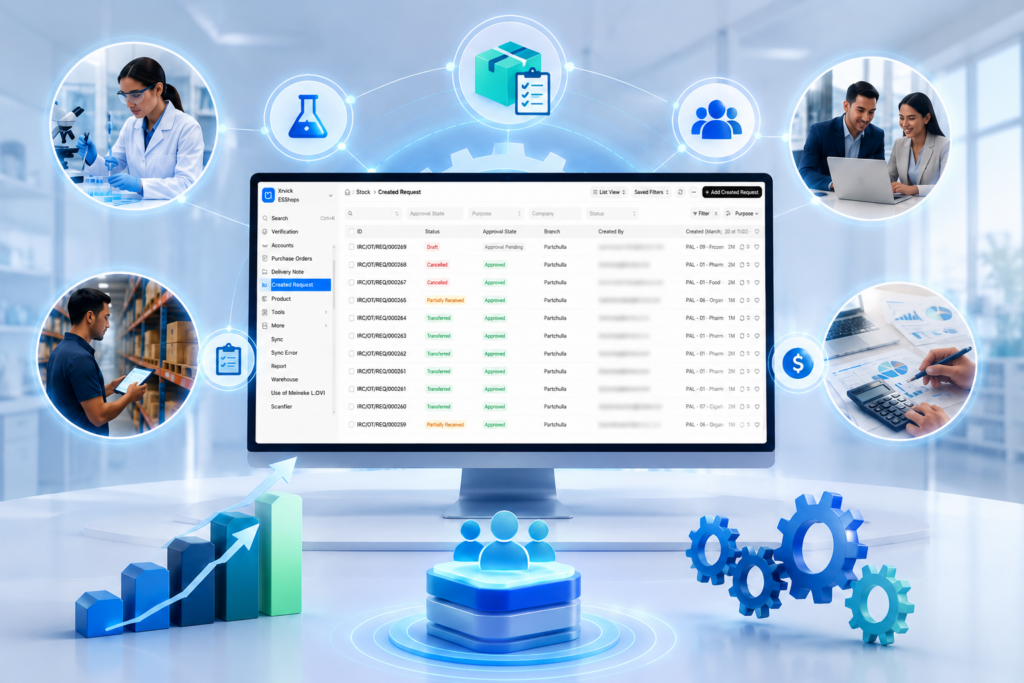
The Inventory Module is designed to simplify stock management from request generation to stock utilisation. Whether inventory is transferred from an existing warehouse or procured from a vendor, every transaction is tracked through a structured workflow with configurable approval processes.
With real-time inventory visibility, organisations can quickly determine stock availability, initiate transfers between locations, raise purchase requests when required, and maintain complete traceability of inventory movement.
Many organisations struggle with inventory-related issues that impact productivity and operational efficiency.
Teams often do not know whether required items are available in another warehouse or department, leading to duplicate purchases and unnecessary expenses.
Inventory requests managed through emails and spreadsheets result in delays, poor tracking, and limited accountability.
Without real-time monitoring, critical inventory items may run out unexpectedly, affecting operations and project timelines.
Unstructured purchasing processes can increase procurement costs and extend procurement cycles.
Tracking stock movement across departments and locations becomes difficult without a centralised system.
Manage inventory across multiple warehouses, branches, and departments through a single platform.
Instantly verify stock availability before initiating procurement activities.
Transfer stock between warehouses and departments with complete approval and tracking mechanisms.
Create, review, approve, and track material requests from initiation to fulfillment.
Generate purchase requests and purchase orders directly from inventory requirements.
Track incoming inventory through structured receipt and verification processes.
Configure approval workflows based on organizational requirements.
Maintain complete records of inventory movement and transaction history.
Monitor stock levels, inventory consumption, pending requests, and procurement status through dashboards and reports.
eLABSS ERP seamlessly integrates with eLABSS LIMS to ensure uninterrupted laboratory operations.
When inventory items such as chemicals, reagents, standards, consumables, and testing materials are consumed during laboratory activities, inventory records can be updated automatically. This integration provides better visibility into inventory usage patterns and helps laboratories maintain adequate stock levels for testing operations.
The integration also supports improved planning, reduced stock-outs, and enhanced traceability between laboratory activities and inventory consumption.

The eLABSS ERP Inventory Module follows a structured workflow that ensures complete control over inventory requests, procurement, stock transfers, and inventory updates. Every transaction is tracked through configurable approval workflows, helping organisations maintain inventory accuracy and accountability.
Depending on inventory availability and business requirements, the system supports multiple workflow paths. Let's explore the different inventory workflows available within eLABSS ERP.
This workflow ensures that purchased items are properly approved, received, tracked, and distributed to the required location.
This helps organisations fulfil inventory requirements faster while avoiding unnecessary purchases.
This process ensures that inventory records remain standardised and accurate across the organisation.


Discover how eLABSS ERP can help you streamline inventory, operations, finance, and workforce management through a single integrated platform.
Need eLABSS ERP support? Our experts are here to help.
eLABSS ERP Inventory Management is a centralized system for managing stock levels, inventory movement, procurement activities, and warehouse operations.